
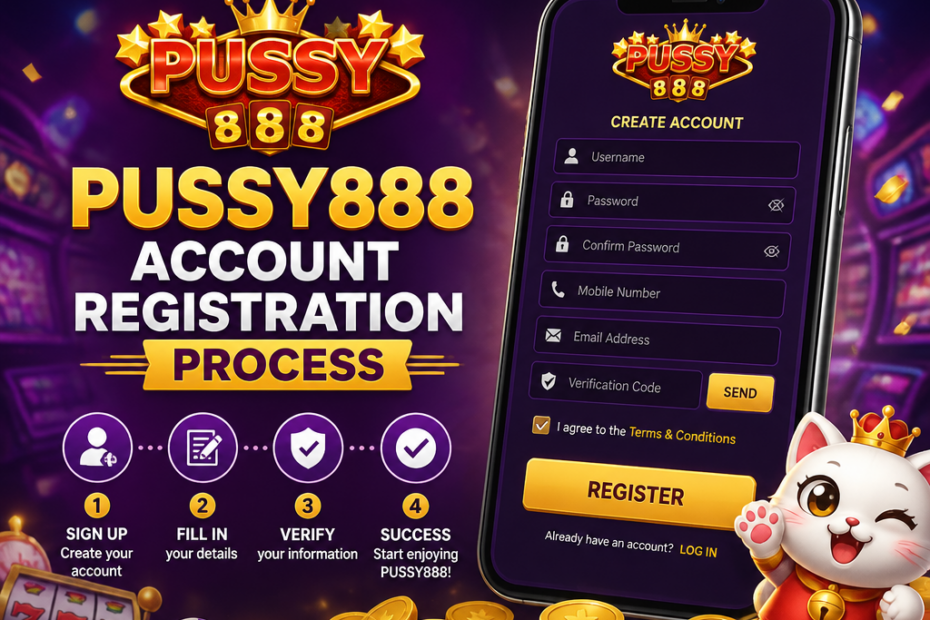
The Pussy888 account registration process is different from signing up for a typical app. On many installs there is no instant self-signup form: you send your details, the account is opened for you, and your username and password are sent back. This guide walks through what to prepare, what the steps look like in practice and how to check that your new account actually works.
If you only want to look around first, read the Pussy888 test ID guide. If you already have credentials, go straight to the Pussy888 login steps. For an overview of the app itself, see the Pussy888 Malaysia app page.
Before You Start: What to Prepare
Registration goes faster when you have everything ready in one message. Decide on the username you would like, choose a password you do not use on any other service and keep a phone number or messaging account that you can still access. Check that online gaming is permitted where you live and that you meet the legal age requirement, because support may ask you to confirm both.
Install the app first so you can test the credentials the moment they arrive. Download only from the link published on this site or on a source you have verified yourself, since copies of gaming apps passed around in chat groups are a common route for malware.
Step 1: Install the Pussy888 App
Android users normally install an APK file, which means allowing installation from your browser or file manager for the duration of the install. iPhone users are usually pointed to an installer link instead of a store listing. Once installed, open the app once to confirm it loads to the sign-in screen, then close it and continue.
Turn the unknown-sources permission off again after installing. Leaving it on makes it easier for unwanted apps to install later.
Step 2: Request Your Account
Look at the sign-in screen. If the build you installed shows a Register or Sign Up option, use it and enter your details carefully. If it does not, the account is created for you by customer service. Contact them through the channel listed on the official page and send the username you want, your contact number and any other detail they ask for.
Keep the request in a single conversation. Opening several chats about the same account is the easiest way to end up with duplicates and mixed-up passwords.
Step 3: Confirm the Details Sent Back
A finished registration has three things: a confirmed username, a confirmed password and a note that the account is active. Check each one character by character, because letters such as l, I and 1 or O and 0 are easy to mix up. If a password was issued for you, plan to change it after your first successful sign-in.
Save the details in a password manager rather than a screenshot or a chat message that anyone with access to your phone could open.
Step 4: Sign In and Check the Account
Open the app, enter the username and password exactly as issued and sign in. Confirm that the account name shown inside the app matches what you requested and that the balance reads zero before you add anything. If sign-in fails, go through the Pussy888 login problem fix checklist before asking for new credentials, because most failures come from typing, an out-of-date build or an expired session rather than a bad account.
Step 5: Secure the Account Straight Away
The first few minutes after registration are the right time to lock things down. Change any temporary password, make sure no one else has the credentials and decide in advance how you will recover access if you lose them. The Pussy888 account security tips guide covers phishing messages and device hygiene in more detail, and recovering credentials through customer service explains what support will ask you to prove.
Common Registration Problems
The most frequent problems are simple. A username may already be taken, so have a second choice ready. A message may go unanswered because it was sent outside support hours, in which case wait before repeating it. Credentials may not work because the app is an old build, so reinstall the current version. And requests sent to unofficial contacts that promise instant accounts or bonuses should be ignored: genuine support never needs your password.
Frequently Asked Questions About Pussy888 Registration
Can I register inside the Pussy888 app?
It depends on the build you installed. Many Pussy888 installs do not offer open self-signup, and the account is created for you by customer service or an agent after you send your details. If your app shows a Register button, follow it; if not, ask support.
What details do I need to register?
Usually a preferred username, a password you have not used elsewhere, and a phone number or other contact the support team can use to reach you. Some channels also ask for age confirmation.
How long does Pussy888 registration take?
Because accounts are opened by people rather than an automatic form, it can take anywhere from a few minutes to longer during busy periods. Do not repeat the request several times, as duplicate requests can create duplicate accounts.
I never received my login details. What now?
Check the chat where you made the request, then message the same contact again with the username you asked for. If you used a different channel, contact support through the link published on this site.
Is a test ID the same as a registered account?
No. A test ID is a shared demo login with practice credits. It is not tied to you and nothing on it can be withdrawn, so register a personal account if you want your own login.
Related Pussy888 Guides
- first-time Pussy888 account setup checklist – what to check before opening an account.
- Pussy888 login guide – sign-in steps for the Pussy888 app.
- Pussy888 test ID guide – how the demo account works and what it can and cannot do.
- Back to the Pussy888 Malaysia app overview.
