
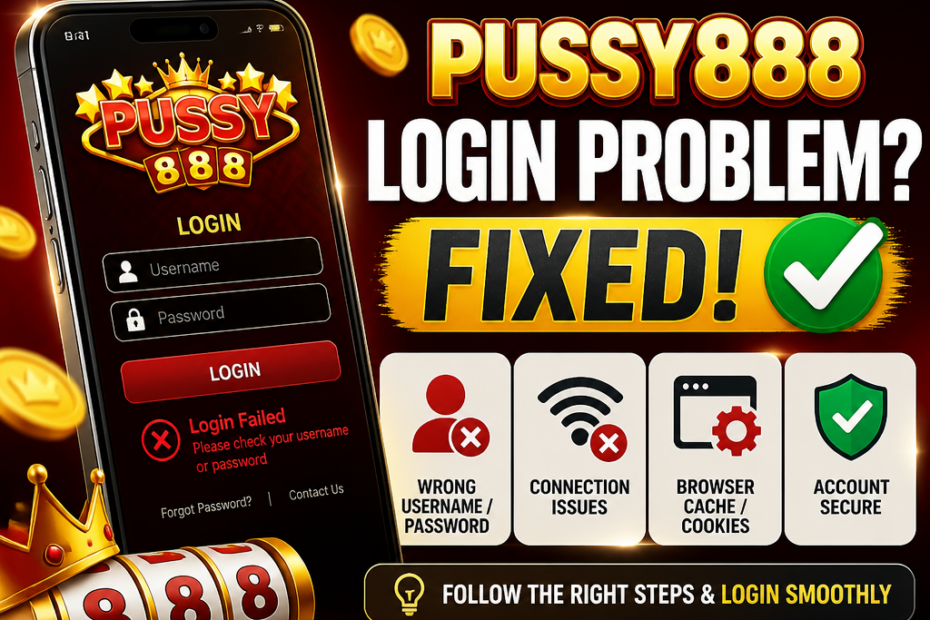
A Pussy888 login problem is usually fixable in a few minutes, and almost always without contacting support. The common symptoms are a login failed message, a connection timeout, an app that stays on the loading screen or a lock after too many attempts. The seven checks below are ordered from quickest to most involved, so work through them in sequence. If you have not signed in before, begin with the standard Pussy888 login steps.
Step 1: Check Connection and Maintenance
Switch between Wi-Fi and mobile data and make sure other apps load. Gaming platforms also run maintenance periods, during which sign-in can fail for everyone. If a second network does not help and the problem started suddenly, wait a short while and try again before changing anything.
Step 2: Set Your Device Date and Time to Automatic
Secure connections depend on the clock. A phone whose date or time is wrong can cause login failed or timeout messages even when your password is correct. Turn on automatic date and time in the device settings, restart the app and try again.
Step 3: Re-enter Your Details Carefully
Check that Caps Lock is off, that the keyboard has not capitalised the first letter, and that you are not confusing characters such as l, I and 1 or O and 0. Paste from a password manager if you have one. Tap sign in once and wait for the result instead of tapping repeatedly.
Step 4: Clear the App Cache
On Android, open the app settings, choose Storage and clear the cache first. Only clear the data if the cache alone does not help, as that also signs you out. On iPhone there is no cache option, so the equivalent is the reinstall in the next step.
Step 5: Update or Reinstall the App
An old build is the most common reason a correct password is refused. Install the current version from the link published on the Pussy888 Malaysia app page, not from a file shared in a chat group. Your balance is held on the platform’s side, so reinstalling does not remove it. You will simply be asked to sign in again.
Step 6: Check Whether the Session Has Expired
If the message mentions a session, you may have been signed out because you logged in elsewhere or because the app was idle. Read what the Pussy888 session expired message means and how sign-in works on multiple devices before changing your password.
Step 7: Reset the Password or Ask Support
If every check has failed, the details may genuinely be wrong. Follow the Pussy888 password reset steps. If that does not work, contact support using the process in recovering credentials through customer service. Describe the exact error message and what you have already tried, which saves time.
Using an Emulator or a Rooted Phone
Some gaming apps refuse to run on emulators or modified devices, and the symptom is often a login failure or a blank screen. If you are on a PC emulator, try the app on an unmodified phone to see whether the device is the problem.
How to Avoid Login Problems
Keep the app updated, store your credentials in a password manager, avoid signing in from several devices at the same time and keep the device clock on automatic. The account security tips guide covers further habits that protect your account.
Pussy888 Login Problem FAQ
Why does my Pussy888 login keep failing?
The usual causes are a mistyped password, an expired session, an out-of-date app or a poor connection. Work through the steps above in order before asking for new credentials.
Does ‘login failed’ mean my account is closed?
Rarely. Failures are far more often caused by typing mistakes, an old app build or a connection problem than by an account being closed.
How long should I wait after too many attempts?
A temporary lock is common after repeated wrong passwords. Wait for a while, then try once more with the correct details instead of continuing to retry.
Will reinstalling the app delete my balance?
No. Account details and balance are stored on the platform’s side. Reinstalling only ends the current session, so you will be asked to sign in again.
When should I contact support?
When the steps here have not worked and you still cannot sign in, or when you no longer have your username or password.
Related Pussy888 Guides
- Pussy888 login guide – sign-in steps for the Pussy888 app.
- Pussy888 session expired message – why the session expired message appears and how to clear it.
- Pussy888 password reset steps – how to regain access if you forgot your password.
- Back to the Pussy888 Malaysia app overview.
