
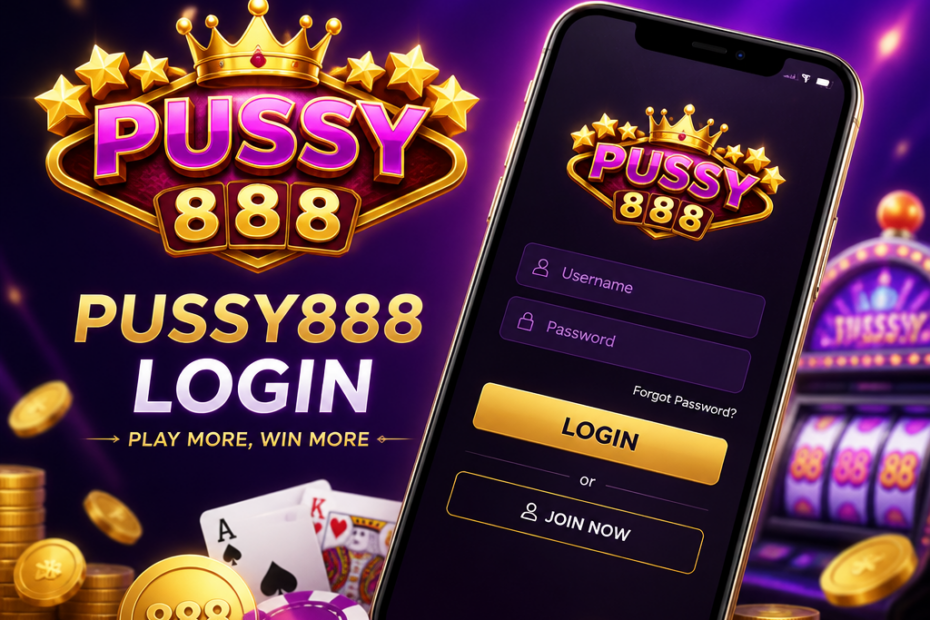
A working Pussy888 login takes three things: the current version of the app, the username and password issued to you at registration and a stable connection. This guide covers the sign-in steps in order, then points to the right fix if something goes wrong. For a wider overview of the app, visit the Pussy888 Malaysia app page.
What You Need Before You Sign In
Have your credentials ready exactly as they were sent to you. If you do not have an account yet, start with the Pussy888 account registration guide, or try the demo route described in the Pussy888 test ID guide. Make sure the app is up to date, because outdated builds are the most common reason a correct password is refused.
Step 1: Open the App and Choose a Language
Launch the app and wait for the sign-in screen to load completely. Most builds offer a language selector on this screen, with English and several Asian languages available. Pick the one you prefer before signing in so that menus and messages are in a language you can read, particularly when an error message appears.
Step 2: Enter Your Username and Password
Type your username in the first field and your password in the second. Passwords are case sensitive, so check that Caps Lock is off. If the keyboard autocorrects or capitalises the first letter, switch that feature off or paste the password from your password manager. Tap the sign-in button once and wait, since repeated taps can trigger a temporary lock.
Step 3: Confirm You Are Signed In
A successful Pussy888 login lands you on the game lobby with your account name and balance shown. If you only see the sign-in screen again, a message should explain why. Read it before trying again, because the wording tells you whether the problem is the password, the connection or the session.
If the Login Fails
Work through the likely causes in this order. First check the connection by switching between Wi-Fi and mobile data. Next confirm the device date and time are set automatically, as a wrong clock breaks secure connections. Then update or reinstall the app. If none of that helps, follow the detailed Pussy888 login problem fix. A message saying your session has ended is covered separately in what the session expired message means.
If You Forgot Your Password
Do not guess repeatedly, as too many wrong attempts can lock the account for a while. Follow the Pussy888 password reset steps instead. If your build has no reset link, support can verify you and issue new details, as described in recovering credentials through customer service.
Signing In on More Than One Device
An account can usually be used from a phone, a tablet or an emulator, but normally one session at a time. If you sign in on a second device, expect the first one to be signed out. The multiple devices guide explains this in detail.
Keeping Your Login Safe
Never share your password, even with someone claiming to be support. Avoid signing in on public Wi-Fi where you can, and treat any link that asks you to re-enter your credentials outside the app with suspicion. For a longer checklist, read the Pussy888 account security tips.
Pussy888 Login FAQ
Where do I enter my Pussy888 login?
Inside the Pussy888 app. Open it, enter the username and password issued at registration and tap the sign-in button. The login is not normally a web form on a browser page.
Why am I asked to sign in again after an update?
Updating, reinstalling or clearing the app’s data usually ends the current session. Being prompted to sign in again is expected and does not affect your balance.
What if I forgot my Pussy888 password?
Use the recovery option if your build has one. If not, contact customer service with the details you registered with. The password reset guide linked below covers both routes.
Can I use the same login on two phones at once?
Usually not at the same time. Signing in on a second device tends to close the first session. The multiple devices guide explains how this works.
Does a Pussy888 test ID work as a normal login?
A test ID is a shared demo login. It signs in the same way but is not a personal account, and nothing on it can be withdrawn.
Related Pussy888 Guides
- Pussy888 account registration process – how to register, what to prepare and what happens after sign-up.
- Pussy888 login problem fix – fixes for login errors, timeouts and failed sign-ins.
- Pussy888 password reset steps – how to regain access if you forgot your password.
- Pussy888 login on multiple devices – how sessions behave across phone, tablet and PC.
- Back to the Pussy888 Malaysia app overview.
